Printing an administrative file on a Sunday evening, the ink cartridge has dried out after three weeks of inactivity, and the document comes out streaked. This scenario drives thousands of households and small businesses towards laser technology every year. Choosing a laser printer is not just about comparing print speeds: the type of documents, monthly volume, and connectivity weigh as heavily as the price displayed on the shelf.
Toner and drum: understanding what determines the real cost of a laser printer
The purchase price of a laser printer is often misleading. A model under 150 euros can end up being much more expensive to use if its consumables are costly or of low capacity. The cost per printed page remains the decisive financial criterion, far ahead of the price of the machine itself.
The toner, this fine powder fused onto the paper by heat, lasts significantly longer than a liquid ink cartridge. On a basic monochrome model, a standard toner often covers more than a thousand pages. High-capacity toners, offered on most Brother or HP ranges, push this limit even further. Detailed specifications can be checked on imprimante-laser.xyz to compare yields based on toner references.
The drum is a separate consumable from the toner on certain brands, notably Brother. It wears out less quickly, but its replacement represents an expense to anticipate. On other brands like HP or Canon, the drum and toner form a single cartridge: simpler to replace, but sometimes more costly in the long run since the still-functional drum is discarded with the empty toner.
Monochrome or color laser printer: deciding based on your documents
The question of “mono or color” is not decided by personal taste. It depends on what you actually print on a daily basis.
An accounting firm, a teacher preparing lessons, or a household printing administrative letters only needs black and white. A monochrome laser printer remains faster, more compact, and cheaper to use than a color one. The mechanics are simpler: one toner, one drum, fewer moving parts, thus fewer potential breakdowns.
The color laser makes sense when regularly printing presentations, marketing materials, or graphics. The recent trend is towards compact color models designed for home offices. These machines take up barely more space than a monochrome printer from a few years ago, with stable print quality on standard paper.
- Mostly text documents: prioritize a monochrome laser, which offers the best print speed in pages per minute (ppm) for minimal cost per page.
- Graphics, colored charts, client materials: a compact color laser avoids the need to rely on an external service for every color print.
- High-definition photos: the laser lags behind photo inkjet. The gradient nuances and fine resolution on glossy paper are not its strong suit.
Connectivity and mobile printing: the criterion that technical specifications underestimate
You plug in a printer via USB, forget it in a corner, and it works. This reflex belongs to another era. Today, Wi-Fi connectivity and mobile printing protocols (AirPrint for the Apple ecosystem, Mopria for Android) transform how we use a printer daily.
Printing from a phone or tablet without installing a driver is no longer a gimmick: it’s a real time-saver, especially in a household where several people share the machine. In a professional context, compatibility with cloud services allows sending a document to print from any workstation on the network, without cables.
Some models retain a USB port as the only interface. This choice may be suitable if the printer is connected to a single desktop computer. However, as soon as you work on a laptop or share the device among multiple users, the lack of Wi-Fi becomes a real daily hindrance.
Feedback varies on the reliability of Wi-Fi connections depending on the brands. Brother and HP generally offer smooth network setup via mobile app. On some entry-level Canon models, networking may require a bit more patience.
Print volume and resolution: sizing without overspending
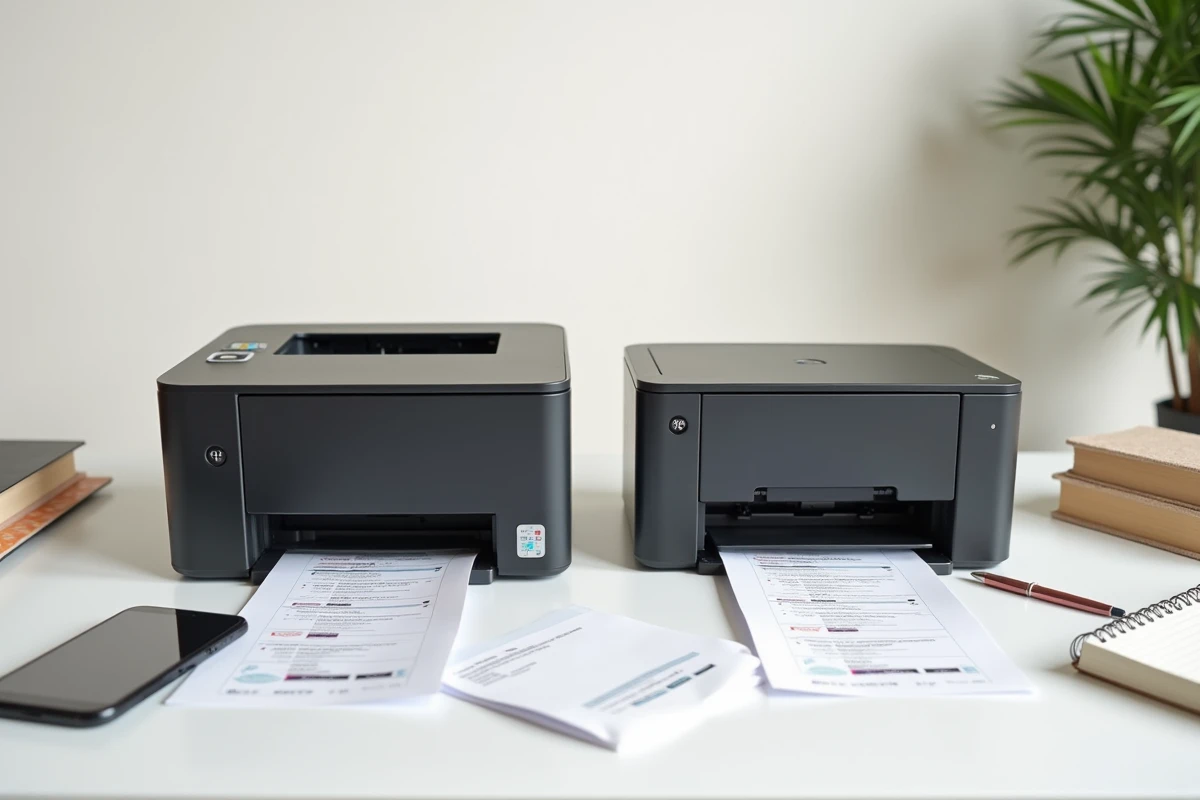
Each laser printer displays a recommended monthly volume. Exceeding this limit repeatedly accelerates the wear of the drum and fuser (the module that heats the toner to fix it to the paper).
For typical home use, a few hundred pages per month, a basic model is more than sufficient. A small office that produces quotes, invoices, and letters daily benefits from aiming for a device designed for a medium volume, often labeled “SME” or “workgroup” by manufacturers.
In terms of resolution, most current lasers print at a minimum of 600 x 600 dpi, which easily covers office documents. Increasing the resolution is only justified for fine graphic prints, such as technical plans or communication mock-ups. The gain in sharpness between 600 and 1200 dpi is visible on a detailed graphic, almost invisible on a cover letter.
One last often-overlooked point: the paper tray. A 150-sheet tray requires frequent reloading in an active office. A 250-sheet tray, standard on professional models, reduces these interruptions. It’s a practical detail that, over several months, significantly changes the user experience.
Choosing a laser printer comes down to balancing three concrete parameters: the type of documents printed, the actual monthly volume, and the mode of network connection. A monochrome Wi-Fi model with high-capacity toner meets the vast majority of common home and professional needs, without over-investing in unused features.