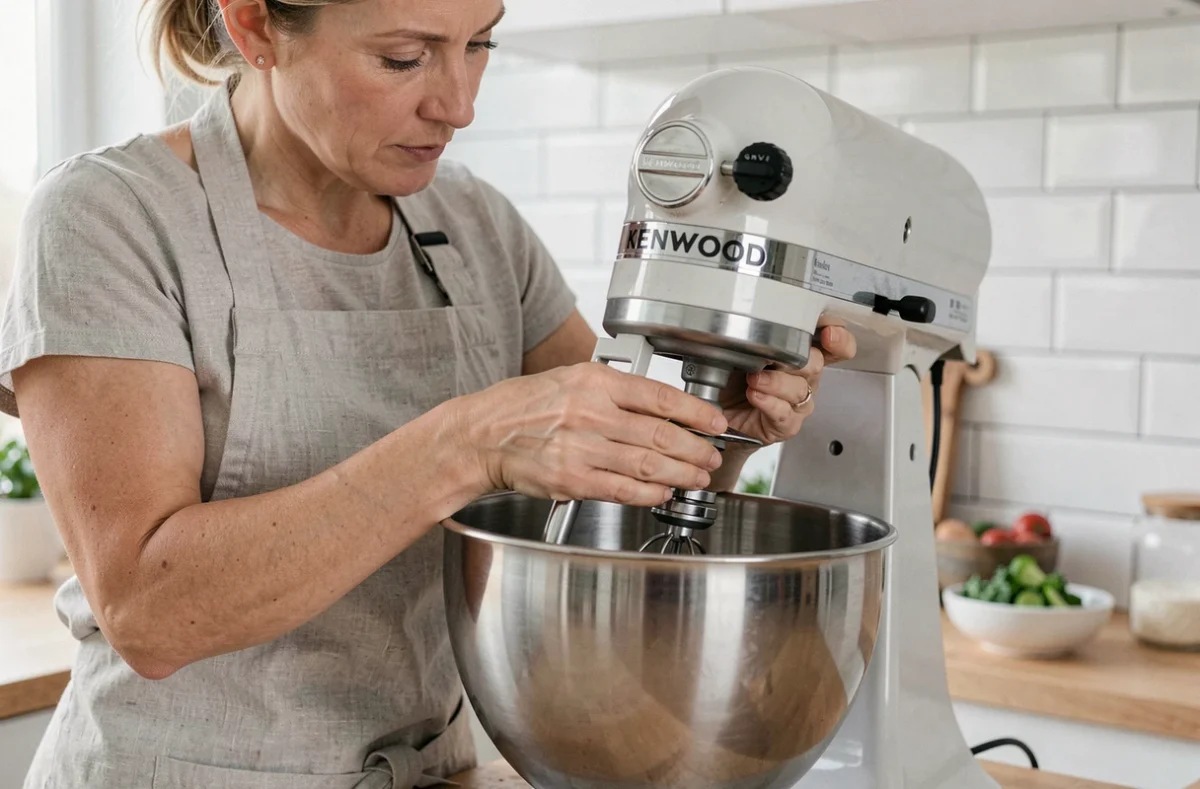
On Kenwood robots, the bowl attaches to the base via a locking system that varies by model range. Stand mixers (Chef, Prospero+) and food processors (MultiPro) do not use the same mechanism. Applying the wrong method can jam the bowl or damage the locking tabs. Before any handling, the exact model reference, listed on the nameplate under the appliance, must be identified.
Kenwood Stand Mixer or Food Processor: Two Distinct Locking Systems
The term “Kenwood bowl” encompasses different mechanical realities. On a stand mixer like the Chef or Chef XL, the stainless steel bowl sits on a central base and locks by a quarter turn. Unlocking follows the reverse logic: turn the bowl counterclockwise until it clicks, then lift.
On a food processor from the MultiPro range, the principle changes. The plastic bowl comes with a lid whose safety lock must be released before the bowl itself can be removed. Removing the lid before the bowl is the first step on a MultiPro, otherwise the safety mechanism prevents any movement.
A detailed guide for removing the bowl from the Kenwood robot according to the different types of fixation allows you to visualize each step without risking forcing the tabs.
Confusing the two systems is the primary cause of jamming. A user trying to turn a MultiPro bowl like that of a Chef applies unnecessary force on tabs that do not operate in the same way.
Stuck Kenwood Bowl: Common Causes and Diagnosis Before Forcing
A bowl that refuses to move is not necessarily defective. Several common situations explain this jamming, and each requires a different response.
- An accessory still locked on the shaft prevents the bowl from being removed. On recent MultiPro models, the motor remains inoperative as long as both the bowl and lid are not properly engaged. This logic of double safety locking also works in reverse: as long as the upper accessory is not removed, the bowl remains attached to the base.
- Dried dough residues around the locking grooves create mechanical adhesion. Sticky preparations (yeast dough, pizza dough) leave a film that hardens when cooled and blocks the bowl’s rotation.
- The speed selector has not returned to the stop position. On some models, an electronic lock prevents the bowl from being removed as long as the control button is not on “off” or “0”.
- The bowl is not correctly aligned on its grooves. A slight misalignment is enough to jam the tabs in an intermediate position where neither rotation nor lifting is possible.
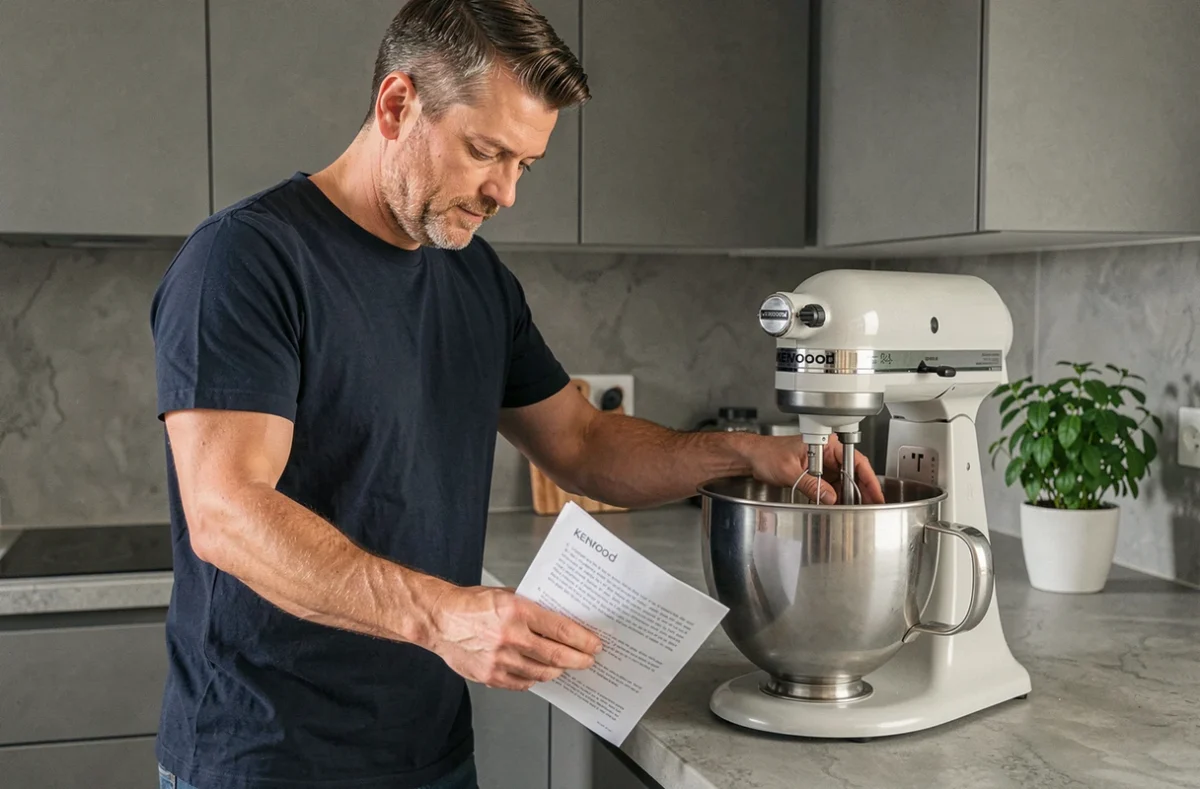
The reflex to adopt before any attempt: unplug the appliance, remove the whisk or blade, check the position of the selector, then attempt a gentle rotation in the unlocking direction.
Technique for Removing the Bowl on Kenwood Chef and Prospero Stand Mixers
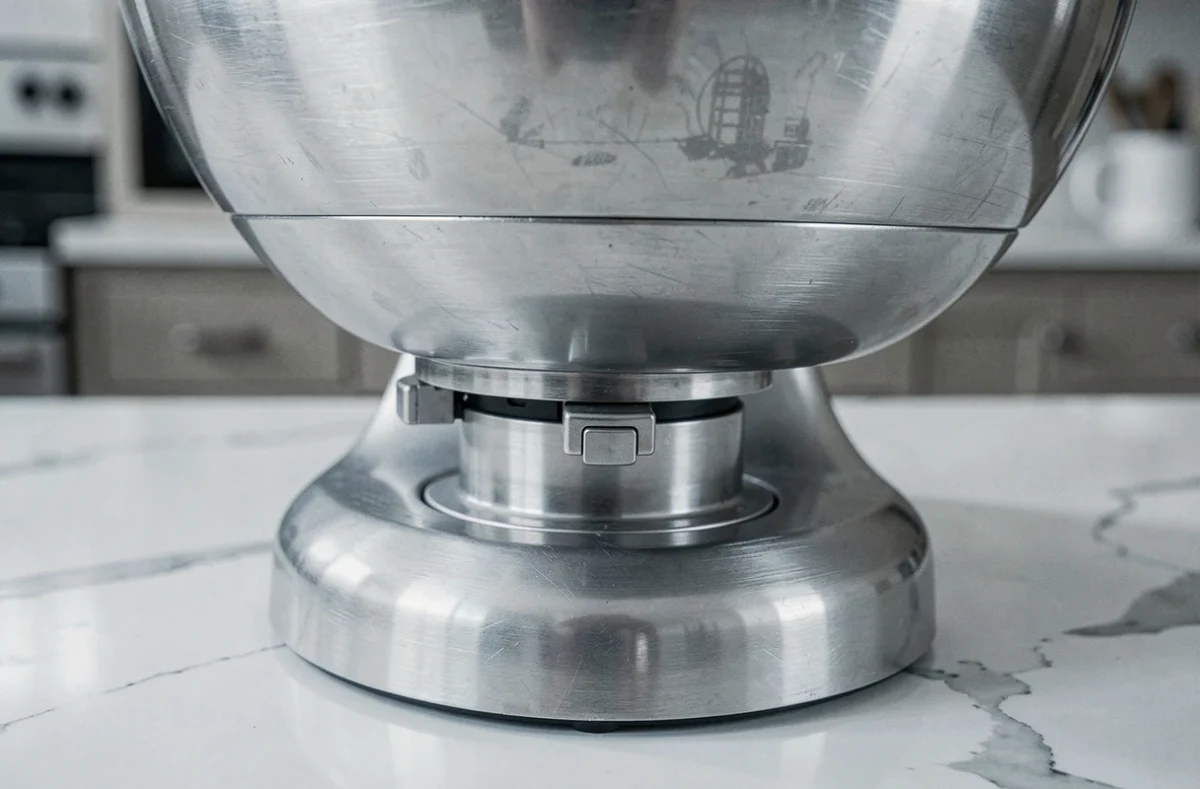
On the Chef, Chef XL, and Prospero+ ranges, the stainless steel bowl rests on a rotating plate fixed to the body of the robot. Locking occurs by clockwise rotation. To release it, you must turn the bowl counterclockwise until you feel a slight click that signals the alignment of the tabs with the exit notches.
A common mistake is to pull the bowl upwards without having turned it sufficiently. The bowl seems to move, but the tabs hit the edge of the notches. The solution: apply a slight downward pressure while turning, so the tabs slide under the edges instead of rubbing against them.
When the Stainless Steel Bowl Stays Stuck Despite Proper Rotation
If the rotation occurs freely but the bowl does not lift, the cause is often food debris between the bottom of the bowl and the plate. Wiping a damp, warm cloth around the base of the bowl usually dissolves the residues. Avoid any metal tools that could scratch the mechanism.
Never use a screwdriver or knife to lever between the bowl and the base. Deforming the tabs would make future lockings imprecise, and the warranty does not cover this type of damage.
Removing the Bowl from a Kenwood MultiPro Food Processor
The procedure on a MultiPro (FDP, FDM ranges) follows a strict order imposed by the integrated safety system. The lid must be removed first. On most models, it unlocks by counterclockwise rotation of about a quarter turn, indicated by a raised marker aligned with an arrow on the body of the appliance.
Once the lid is removed, the blades or discs must be taken off the central shaft. Only after this step can the bowl be turned and lifted. Attempting to remove the bowl with the blade still in place exposes you to cuts and often jams the mechanism.
Tip for 360 Design MultiPro Models
Some recent models of the MultiPro range use a so-called “360” design that allows the bowl to be placed in any orientation on the base. Locking occurs simply by pressing down. Unlocking requires a slight downward pressure before turning, which is counterintuitive for first-time use. Without this initial pressure, the bowl seems completely stuck while the mechanism is simply waiting to be engaged before releasing the rotation.
Maintenance of Locking Mechanisms to Avoid Recurring Jams
A bowl that regularly jams indicates a lack of maintenance at the contact points rather than a mechanical problem. After each use, a quick wipe with a damp cloth on the grooves of the bowl and the notches of the base removes residues that, if accumulated, end up hindering rotation.
On stainless steel models, a light coating of cooking oil applied once a month on the tabs facilitates sliding. On the plastic bowls of MultiPro, this precaution is unnecessary: plastic does not adhere in the same way, and oil could instead attract dust.
Regularly checking the condition of the tabs remains the best way to prevent a permanent jam. A cracked or deformed tab cannot be repaired: the bowl must be replaced. Before ordering, comparing the bowl reference with that of the nameplate of the robot ensures compatibility, as bowls of the same diameter are not interchangeable between ranges.